
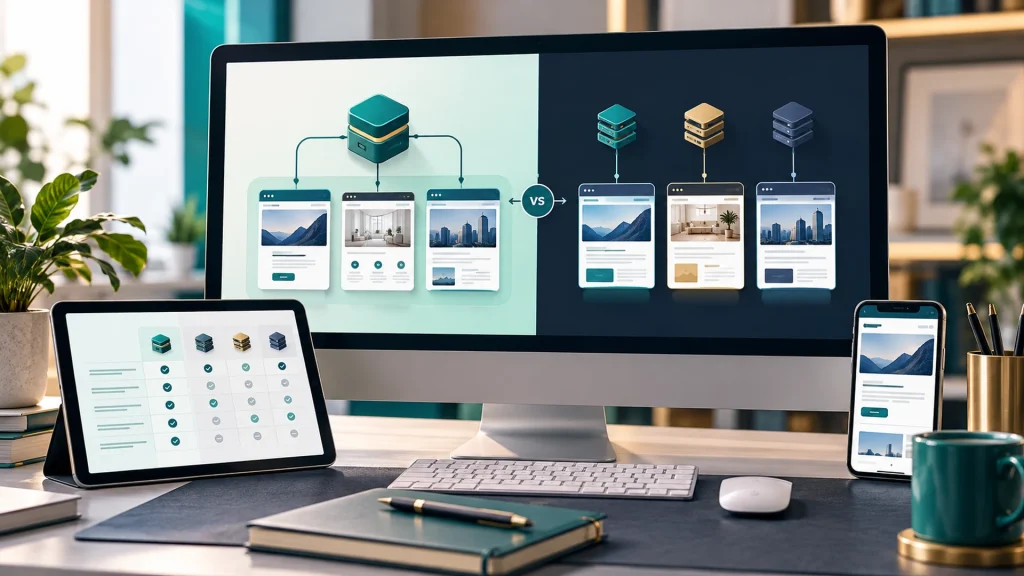
WordPress Multisite vs Separate Installations: Which Fits Your Business?
Launching a second website sounds simple—until a third brand, regional team, or agency client joins the plan. Should every site have its own WordPress installation, or should they share one WordPress Multisite network?
The decision affects more than hosting. It determines who can install plugins, how updates are coordinated, where failures can spread, and how easily each website can change direction. For a growing business, WordPress Multisite vs separate installations is an architecture decision worth making before development starts.
This guide compares the practical trade-offs, explains when a single WordPress site may be enough, and provides a decision checklist you can take to your developer.
What is WordPress Multisite?
WordPress Multisite is a built-in feature that lets you run multiple websites within one WordPress installation. The network shares WordPress core files and can share themes and plugins. Each site still has its own content tables and media area; users are managed across the network. A network can use subdirectories, subdomains, or mapped domains, depending on its configuration.
A network super administrator manages network-wide settings and the availability of themes and plugins. Individual site administrators handle much of their own site’s content and settings, but generally cannot install plugins or themes themselves. WordPress’s official Multisite overview and network administration guide explain the underlying model.
For example, one organization might manage brand.example, events.example, and regional.example in one network while giving each editorial team access to its own site.
What are separate WordPress installations?
With separate installations, each website has its own WordPress core, database, users, plugin configuration, and administrative environment. You can host them with the same provider or on different infrastructure. Shared hosting or a shared server may still create dependencies, so “separate installs” does not automatically mean full infrastructure isolation.
This arrangement suits sites that need different technical stacks, independent release schedules, or distinct ownership. It also allows an agency to hand one website to a client without untangling it from a larger network.
WordPress Multisite vs separate installations: side-by-side
| Decision factor | Multisite network | Separate installations |
|---|---|---|
| WordPress core | Shared across network | Each site updated separately |
| Themes and plugins | Installed centrally; activated according to network rules | Installed and managed per site |
| Content | Separate per site by default | Separate per installation |
| Users | Network-wide user system with site-specific roles | Independent user directories unless integrated |
| Site ownership | More coordination to transfer one site out | Usually simpler to transfer an entire installation |
| Updates | Central coordination, but changes need network-wide compatibility testing | Flexible timing and versions per site |
| Failure exposure | Shared code and infrastructure create network-wide dependencies | Potentially better separation, depending on hosting |
| SEO | Each site’s URLs and content still need their own SEO work | Same: no automatic ranking advantage |
| Best fit | Related sites with common governance | Independent brands, clients, or specialized sites |
Neither option is universally faster, safer, cheaper, or better for search rankings. The outcome depends on hosting, plugin choices, governance, maintenance and implementation quality.
Five questions that decide the architecture
1. Do all sites have the same owner and technical decision-maker?
If a parent company controls the sites and wants a single technical team to approve updates, Multisite may reduce repetitive administration. If separate franchisees, customers or agency clients must control their own hosting, administrators and vendor relationships, independent installations are often easier to govern.
Ask: Who has authority to approve a plugin, restore a backup, or take a site offline?
2. Will the sites use the same theme and plugins?
Multisite works well when sites share a tested design system and a common set of integrations. It becomes more complicated when one site needs a specialist plugin that does not support Multisite, another requires a different PHP compatibility profile, or each team wants to install its own tools.
Before choosing Multisite, audit the exact plugins—not just the marketing claims. Confirm licensing, network activation behavior, compatibility, and whether the plugin stores settings per site or network-wide. Test Beaver Builder modules, form tools, membership plugins and e-commerce integrations on a staging network if those are part of the scope.
Ask: Are there any site-specific plugins, payment systems or custom functions that could conflict?
3. How independent must deployment and recovery be?
A shared network can simplify coordinated updates, but a problematic shared plugin or server failure can affect multiple websites. A backup strategy must account for restoring the whole network and, when required, recovering a single site’s content without overwriting other sites’ changes.
With separate installs, you can schedule releases and backups independently. But if all sites use the same poorly configured hosting account, a server outage can still affect them all.
Ask: Can one site be restored or upgraded without interrupting the others? Test the answer rather than assuming it.
4. Will the websites be sold, transferred or handed to clients?
If an agency is building sites that clients may later move to their own hosts, separate installations are often the cleaner default. Extracting a site from a Multisite network is possible, but typically requires migration work for users, media, plugins, URLs and database tables.
For an internal network of branches that will remain under central ownership, that extra separation may not be needed. The key is to document ownership and the exit process before launch.
Ask: What happens if one brand leaves the group next year?
5. Is the goal multiple websites—or just multiple locations and languages?
This is the question that saves the most unnecessary complexity. A business with several service areas may need one strong website with useful location pages, not a separate site for every town. Similarly, a multilingual website might use a language plugin on one installation rather than a network of websites.
The right choice depends on content ownership, markets, navigation, translation workflows and URL strategy. Multisite does not automatically share posts between sites, and it does not automatically implement hreflang or multilingual SEO.
Ask: Would users be better served by one clear website with sections, or by genuinely distinct websites?
Three practical scenarios
Scenario A: One company, six regional offices
All offices use the same services, branding and central marketing team. If each region needs its own editors and substantial content, Multisite can be a sensible candidate. However, if regional differences are minor, one website with well-structured location pages may be simpler and more useful. Do not create extra websites merely to target similar location keywords.
Scenario B: A digital agency managing 20 unrelated client websites
Clients have different hosting contracts, plugin stacks, payment arrangements and ownership rights. Separate installations are usually easier to maintain, bill and hand over. A centralized management dashboard can still help the agency monitor updates without combining the sites into one WordPress network.
Scenario C: A publishing group with several closely related brands
The brands share a design system, editorial standards and a central IT team, but need distinct content and domains. Multisite may reduce duplication. The group should still test editorial permissions, media workflows, search features, licensing and per-site recovery before committing.
What about cost and performance?
Do not compare only the number of WordPress dashboards. Build a realistic three-year cost model covering initial development, hosting, plugin licences, security reviews, staging, backups, updates, support and potential migrations.
Multisite may reduce duplicated work when every site uses the same stack. It can also increase the cost of compatibility testing and specialized troubleshooting. Separate installations may require more routine updates, but can make client-specific billing and independent hosting easier. Performance depends on actual traffic, caching, database queries and infrastructure; Multisite itself is not a performance shortcut.
A useful estimate has two columns: shared tasks (hosting administration, updates, monitoring) and site-specific tasks (content, forms, SEO, integrations, QA). Price both approaches against the same requirements rather than assuming one must be cheaper.
SEO implications: architecture is not a ranking strategy
Google evaluates accessible URLs and their content; choosing Multisite does not create an automatic SEO benefit. Each domain or subdomain still needs a sound internal-link structure, appropriate canonical URLs, a sitemap, helpful content, analytics and Search Console configuration.
If you move existing websites into or out of a network, preserve URL paths where possible and plan redirects for changed addresses. Review tracking, forms and indexability after migration. A site architecture decision should support the audience and publishing workflow first; SEO implementation follows from that decision.
For related background, see Webgeek’s SEO and website improvement services.
A pre-development checklist to give your WordPress agency
Before approving the build, document:
- Ownership: the legal owner of every domain, hosting account, database and premium licence.
- Site inventory: number of websites now and expected in the next three years.
- Governance: super admins, site admins, editors and agency responsibilities.
- Technology: required themes, builders, forms, commerce, CRM and multilingual tools.
- Brand rules: shared components versus independent layouts and design systems.
- Infrastructure: hosting capacity, staging, backups, recovery targets and monitoring.
- SEO: existing URLs, domain structure, redirects, analytics and search ownership.
- Exit plan: how a website can be exported or transferred if ownership changes.
- Budget: one-time build cost, recurring support and the cost of future changes.
- Acceptance testing: per-site functional QA and a network-wide rollback test where relevant.
Request a proof of concept if a critical plugin or integration is uncertain. That small test is usually more informative than a generic promise that “Multisite supports everything.”
Frequently asked questions
Can WordPress Multisite use different domain names?
Yes. A network can use mapped domains when DNS, web-server routing and SSL/TLS are configured correctly. The details depend on the hosting environment and network setup.
Can each Multisite website have a different design?
Yes. Sites can activate different themes that the network administrator has made available. A shared design system is a choice, not a requirement, although differing stacks reduce some of the benefits of central management.
Does Multisite share blog posts between websites?
Not automatically. Each site has separate content tables. Cross-site syndication requires a deliberate plugin, integration or custom workflow.
Is Multisite safer than separate WordPress installations?
Neither architecture guarantees security. A shared network increases the importance of network administration and plugin vetting; separate installations still require updates, backups, access control and secure hosting.
Can I convert an existing WordPress site to Multisite?
In many cases, yes, but WordPress documents network-creation requirements and restrictions. Audit the existing site, back it up, and test the conversion on staging before changing production.
Choose the setup that fits the way your business operates
The best architecture is the one your team can own, update, secure and eventually transfer without surprises. For closely related websites under central governance, evaluate Multisite. For independent clients or brands, separate installations may offer a cleaner operating model. And if your needs are really multiple locations or languages within one business, first consider whether a single well-structured website will do the job.
Webgeek can help scope the decision before development begins. Explore our WordPress website development services, discuss white-label agency development support, or share your project brief to plan an approach around your real requirements.
